OMBRA encourages you to use WPForms Plugin for managing multiple contact forms – it is easy to customize with the drag & drop interface and you can add a form just with simple markup.
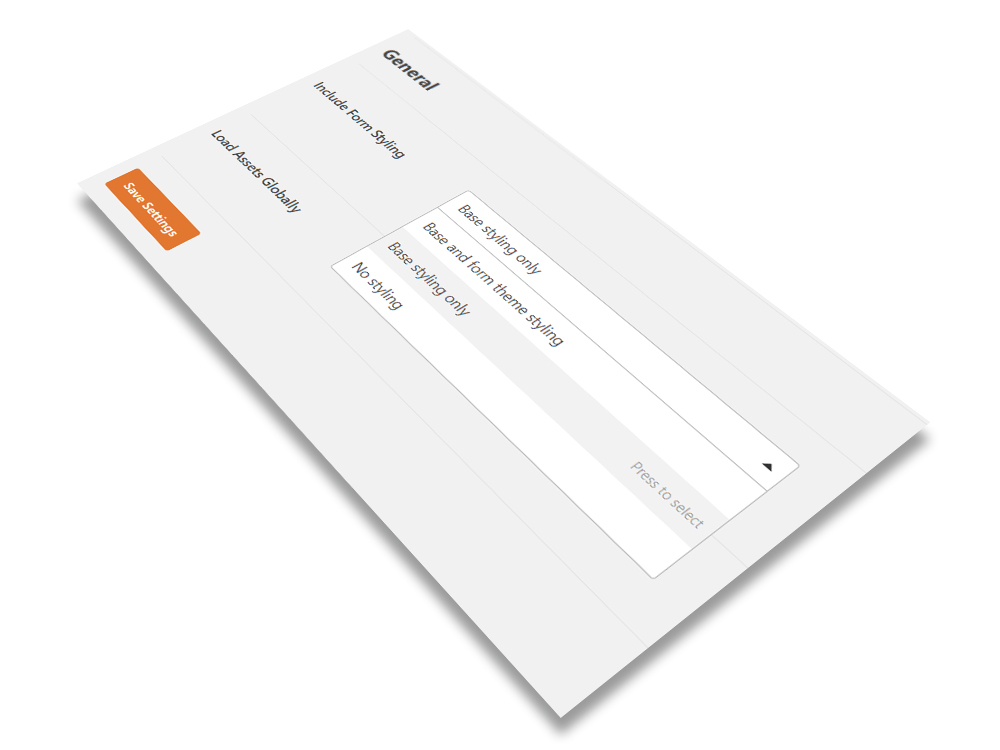
After activating the plugin, you should do one more thing in order to make your forms look the same way as OMBRA design. Go to WPForms → Settings, find General → Include Form Styling and choose Base styling only.
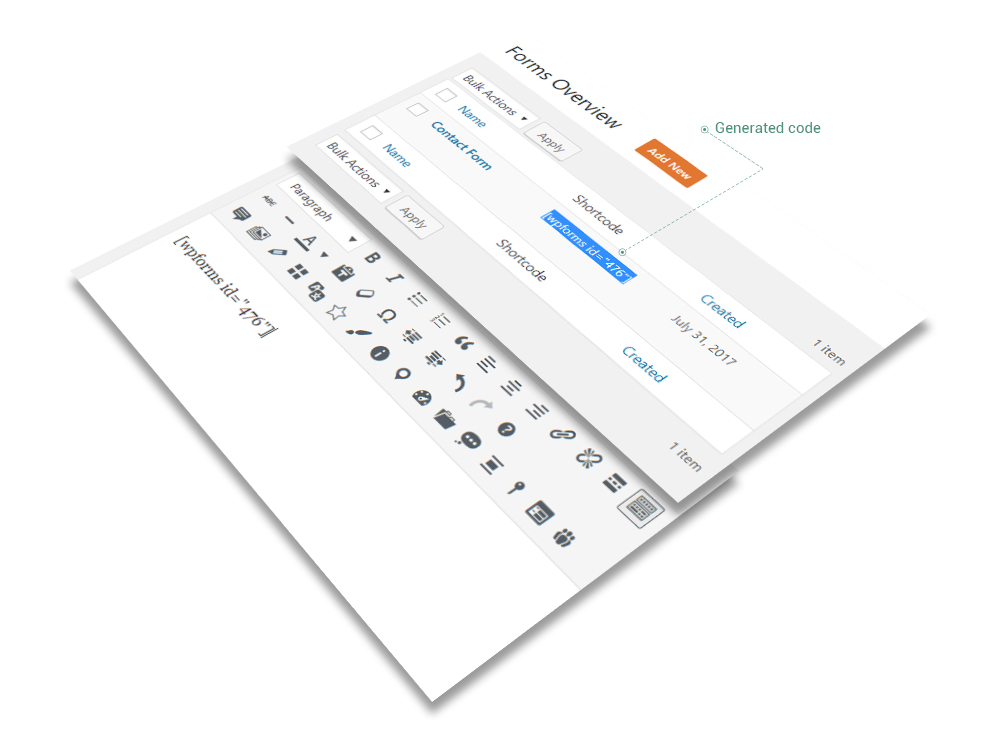
After doing those mentioned above, navigate to WPForms → Add New and you are ready to create your first contact form. Customize the form as you need it also by carefully following the WPForms Documentation and save it when finished. Then, copy the form generated code to the place you need inside your content.
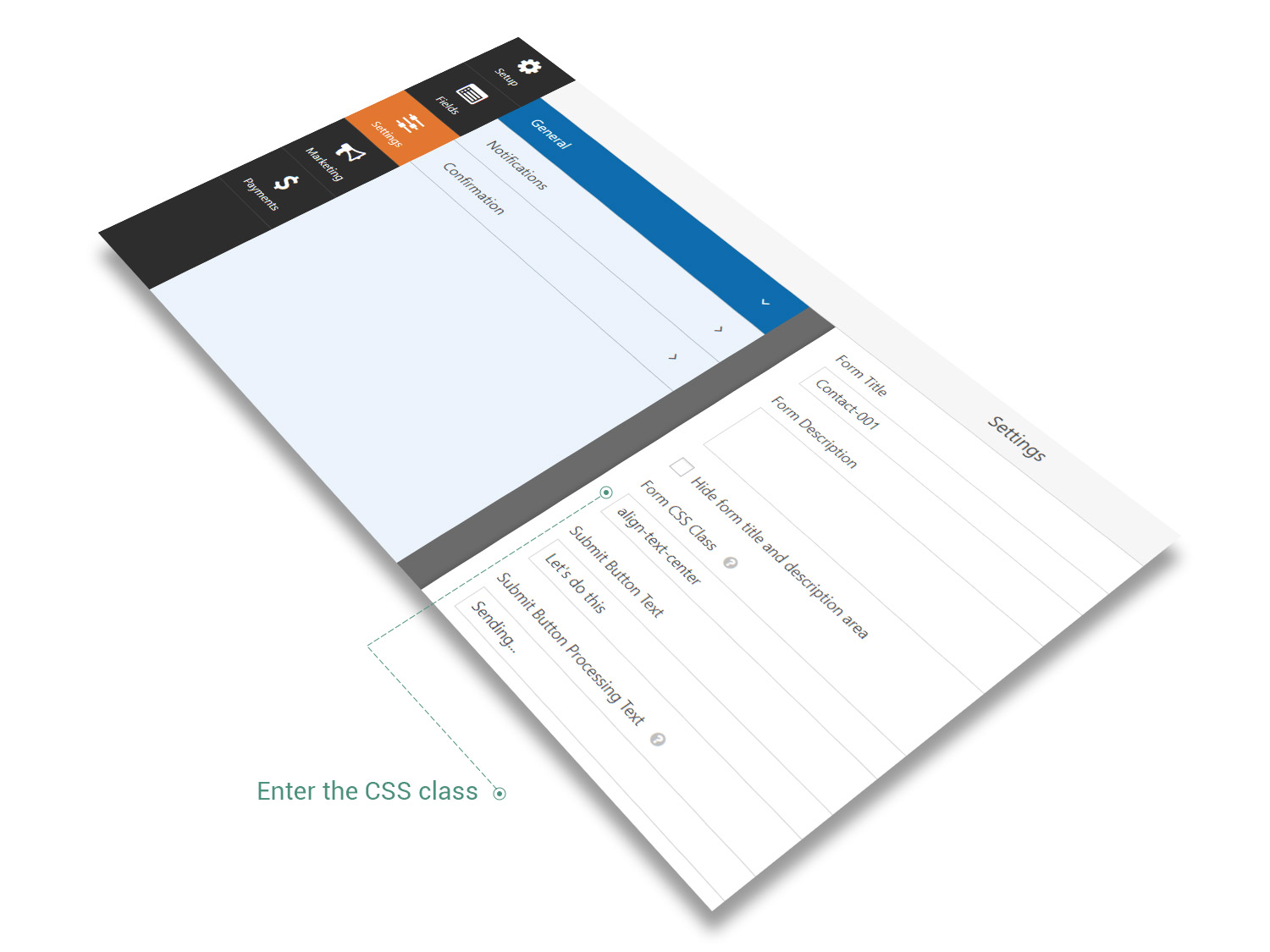
One more thing, you could align the text fields of your contact form and even Submit button by adding a CSS class in Form CSS Class field. In order to do so, enter your form and navigate to Settings → General → Form CSS Class and enter there one of the following classes: align-text-left, align-text-center or align-text-right, depending on your preferences of alignment.