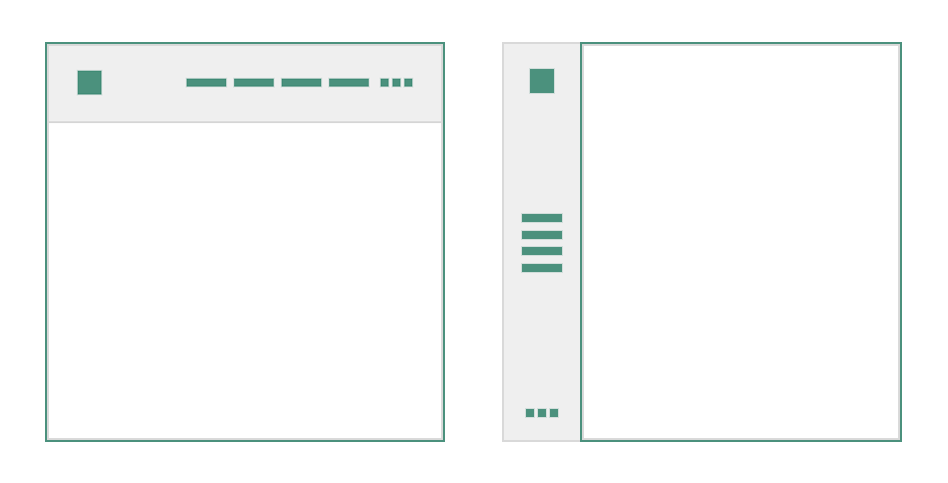
This section allows you to set up layout settings for your site that will affect its look and general functionality. They appear first in Ombra Theme Options as they are able to change the feeling while navigating the site.
You are free to change the position of site main navigation, either on the top or on the left side, or the site width, by using different units. You can even customize separately the width for site header or site footer.
Not at last, you can switch to Passepartout Mode, which will make your site looking like a painting of Leonardo da Vinci or Vincent van Gogh.
Before starting to present the Layout options themselves, it does worth to visualize how the Site Layout is structured. It helps to better understand the next Theme Options: Header, Content & Footer.
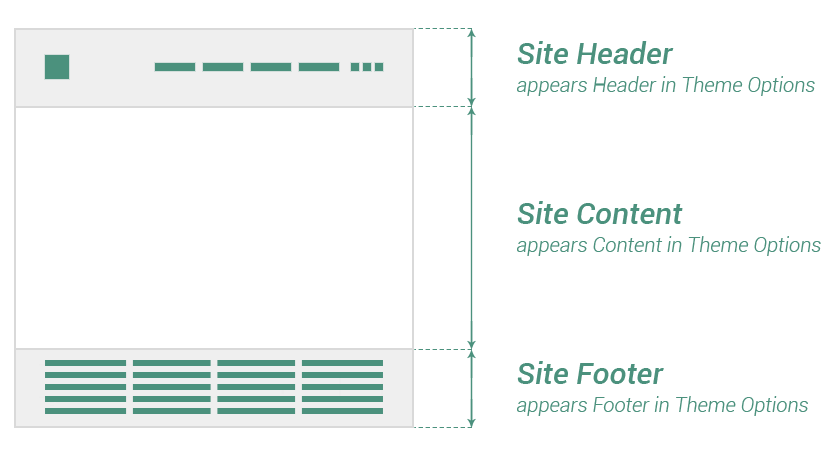
Layout settings are as follows:
Main navigation
Main navigation or Site Header is the site element which works as user interface item, comprising links to other sections of your site.
Keep in mind In Ombra documentation, Site main navigation is synonym with Site Header.
- Position — choose the position of main navigation, either on the Top or on the Left side of your site.
- Type — choose a specific typology of main navigation. Depending on your previous choice (Top or Left), you will find different options here.
Top If positioning the main navigation on Top side of the site, the Type options would be:
- Classic → the most used type of main navigation, having the following layout: the logo on left side, the icons on right side and the main menu in the center
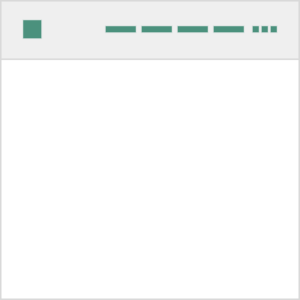
- Branding → it is similar to Classic typology, but this time the main focus, as the title says it, is on the Logo, that stands above the icons and the main menu
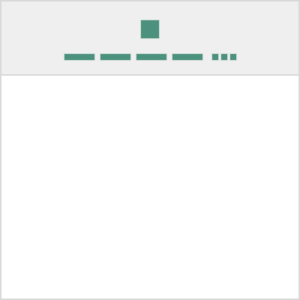
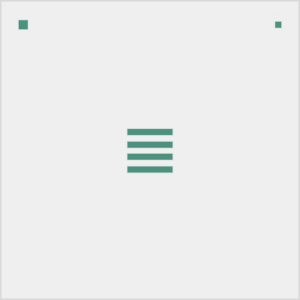
- Fullscreen → initially, the only elements visible to the site visitor are the Logo and the Main navigation button. If clicking the last one, a fullscreen panel opens that comprises the main menu and the icons
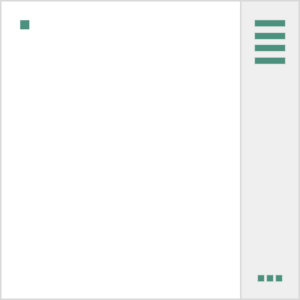
- Aside → it is similar to Fullscreen typology, but this time, when clicking on Main navigation button, a fixed-sized panel opens that comprises the main menu and the icons
Left In this case, the main navigation stays fixed in place and does not scroll when viewers scroll down the page. If positioning the main navigation on Left side of the site, the Type options would be:
- Classic → main navigation is always open
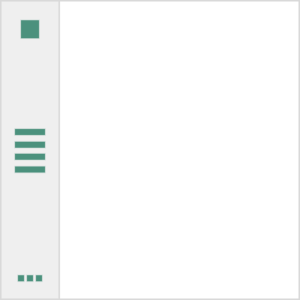
- Aside → main navigation is always hidden. You can unhide it by clicking on Main navigation button. When it is unhidden, the main navigation looks the same as Classic typology
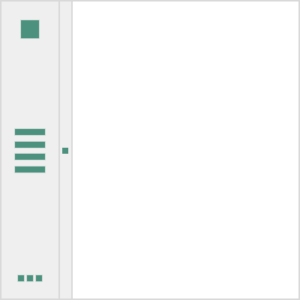
- The icons of Site Header refer to social icons, search icon, sidebar icon.
- Depending on Typology and Position of main navigation, the options from Header section of Theme Options will be affected
- Only Classic & Branding typologies of Top positioned navigation allow you to use Site Header Sidebar (necessary to display Widgets)
Site width
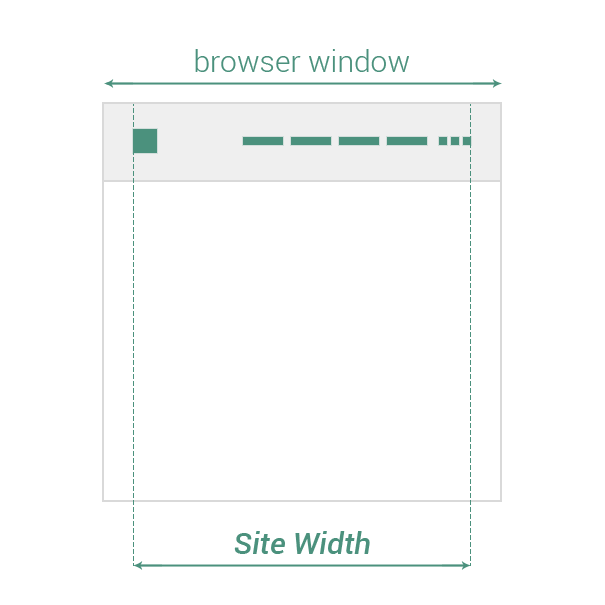
Set the maximum width the site content fits in. Even if you set up a specific value for Site width, it can be changed for specific elements (like Posts, Pages or Projects) by using other options from Theme Options.
Full width
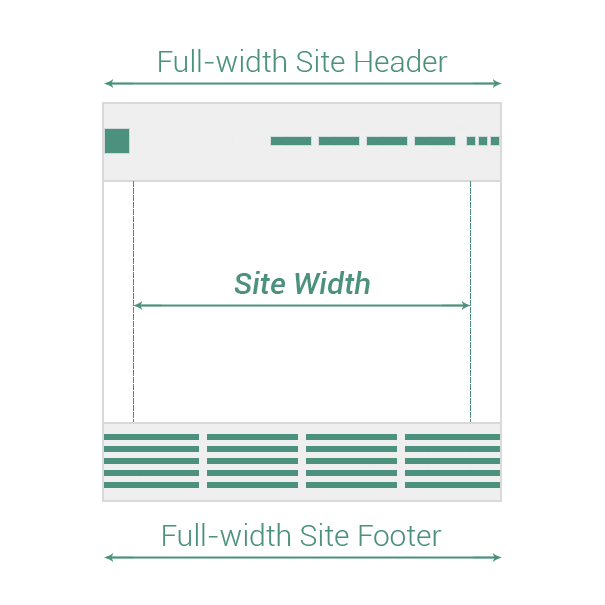
Decide which site main elements will go on full-width size. You could choose from the following options:
- Site Header (or Site main navigation)
- Site Footer
Keep in mind Site Header takes browser window full-width size if its position is set to TOP.
Passepartout
Make the site looking like a picture by adding an elegant border around it while enabling Passepartout Mode. You are also able to change the color of Passepartout border.